Intro Video
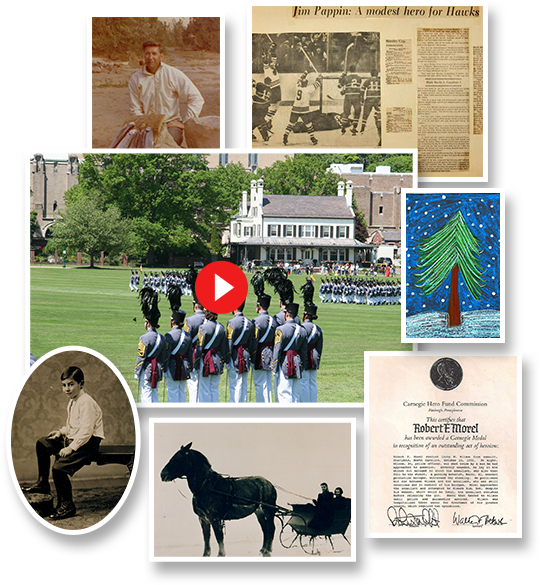
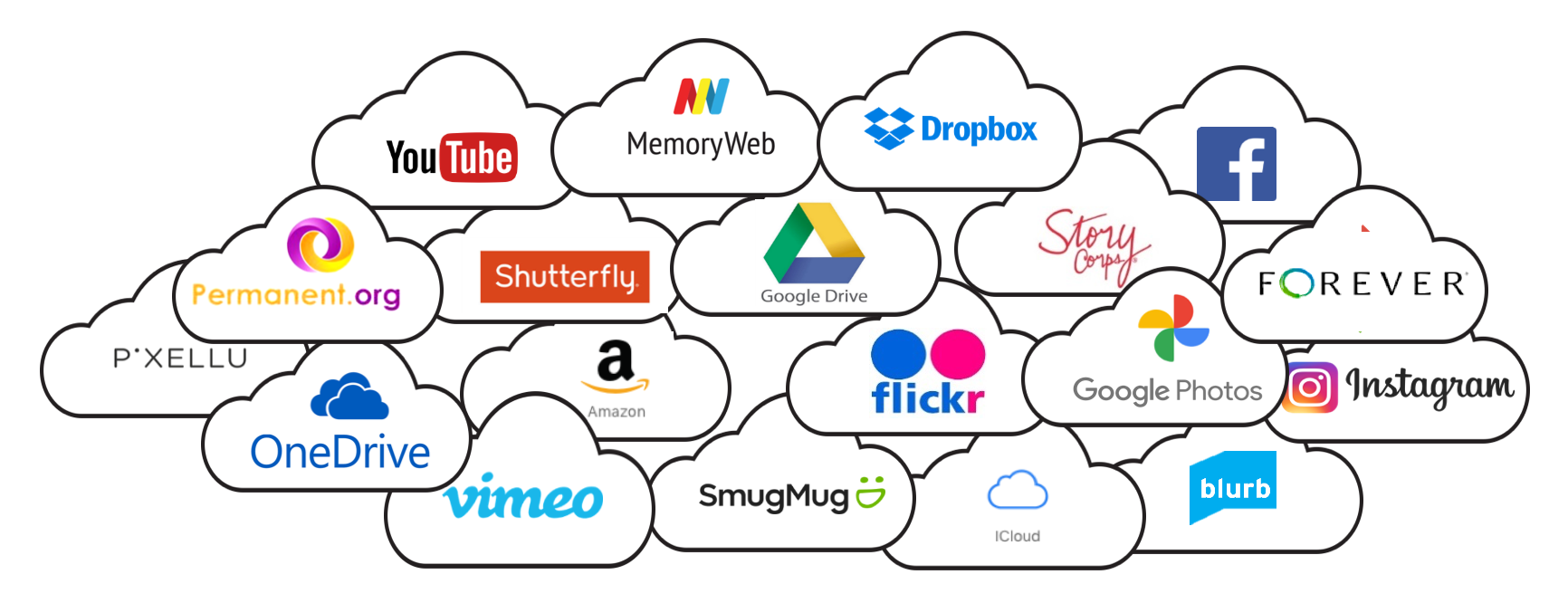
Your family’s story is scattered across photos, videos, home movies, documents, cloud albums, and the memories of generations past and present. MyFamilyArchive brings it all together in one organized family collection.
Beginning with your family tree, MyFamilyArchive gives you a unique way to organize everything by the people, families, chapters, and events that make up your story—so treasured memories are easy to find, enjoy, and share.
The result is more than a family archive. It’s a living Family Legacy Collection your family can continue building, exploring, and preserving for generations to come.


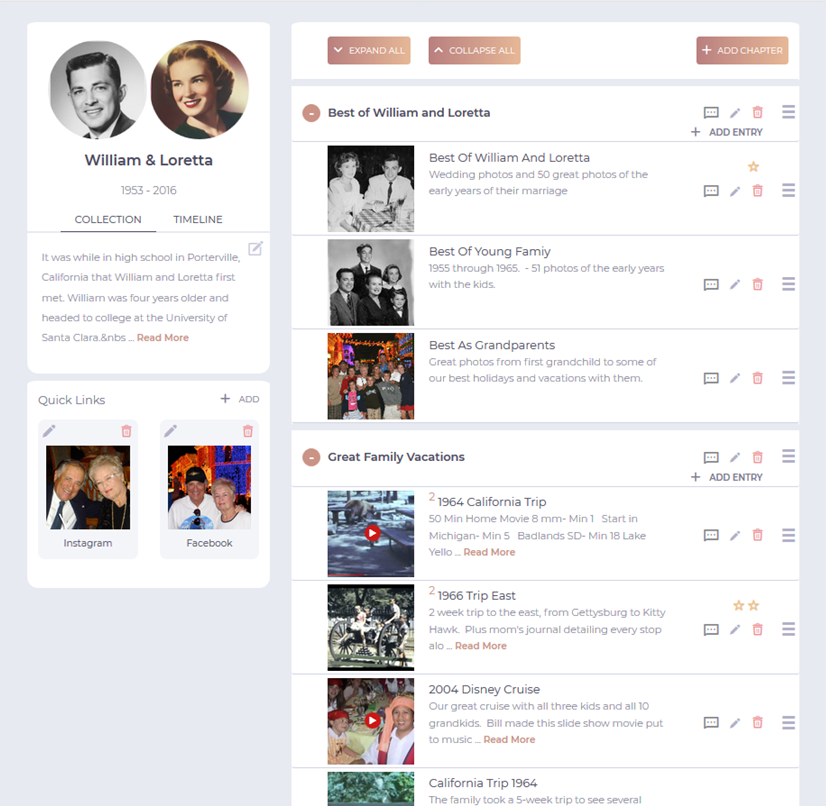
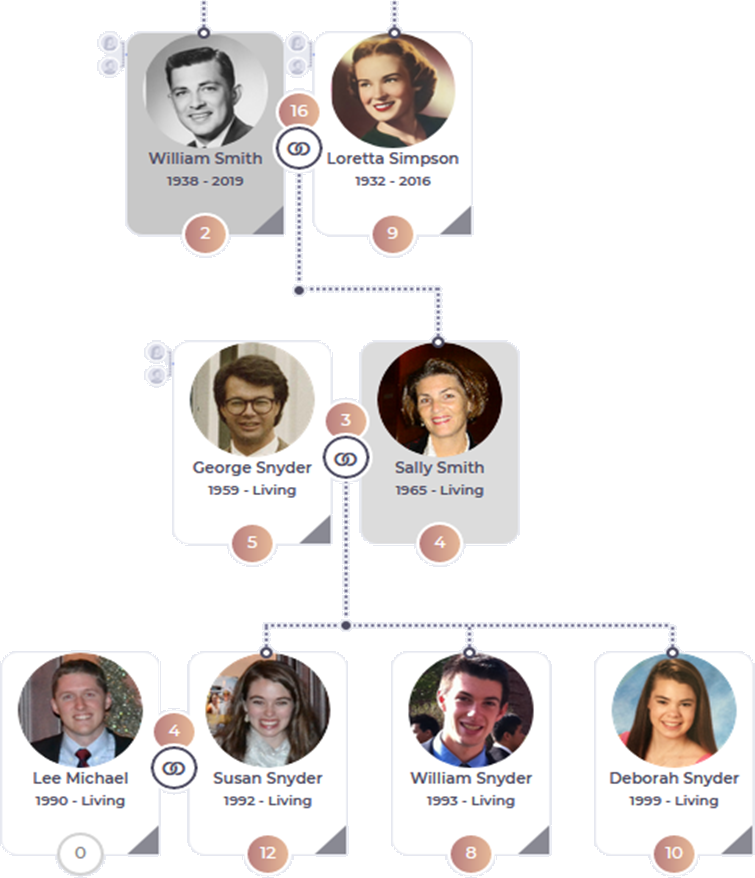
Create a free account and explore this interactive sample collection.
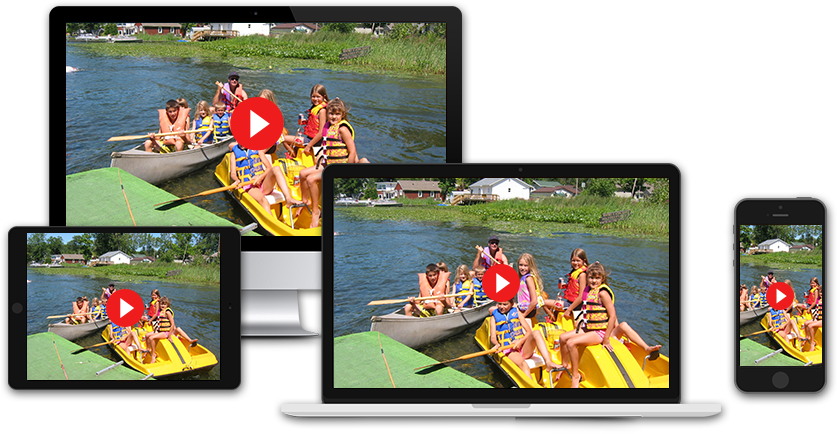
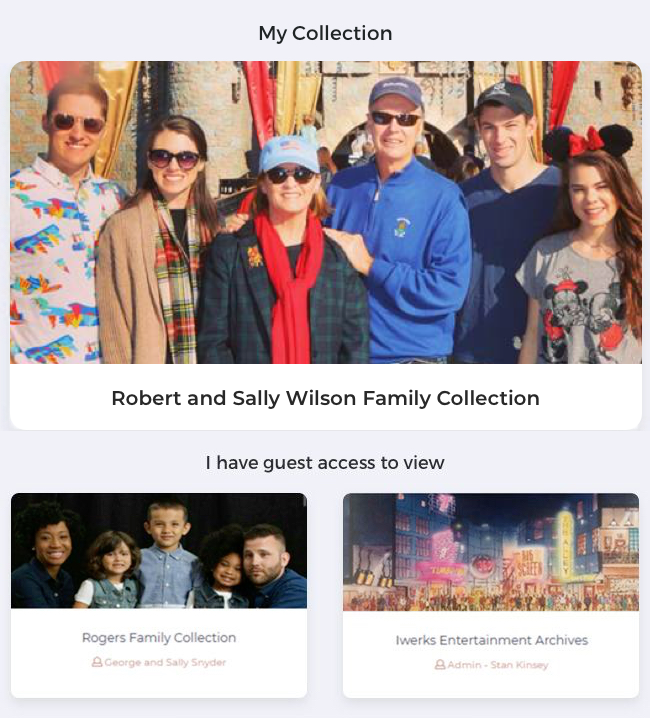
Simple permission settings give you complete control over which media items you allow others to see and which stay private.
And you can grant selective edit privileges to friends and family members to add to your collection.
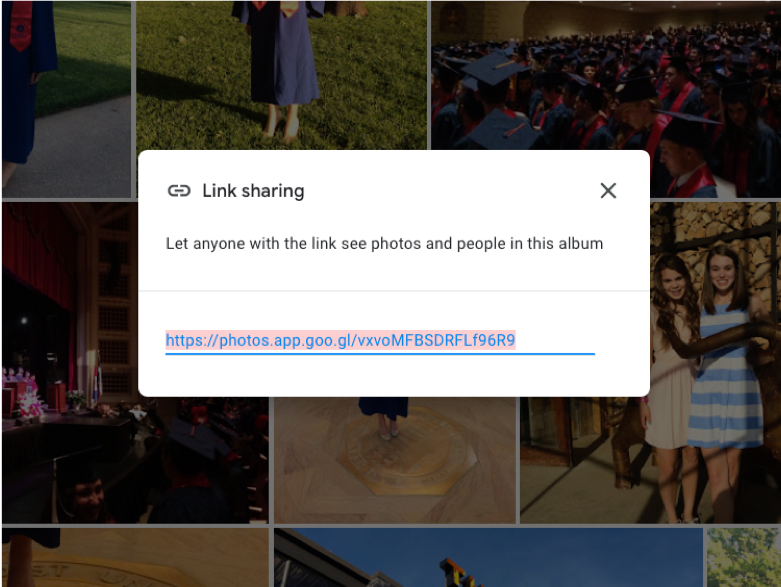
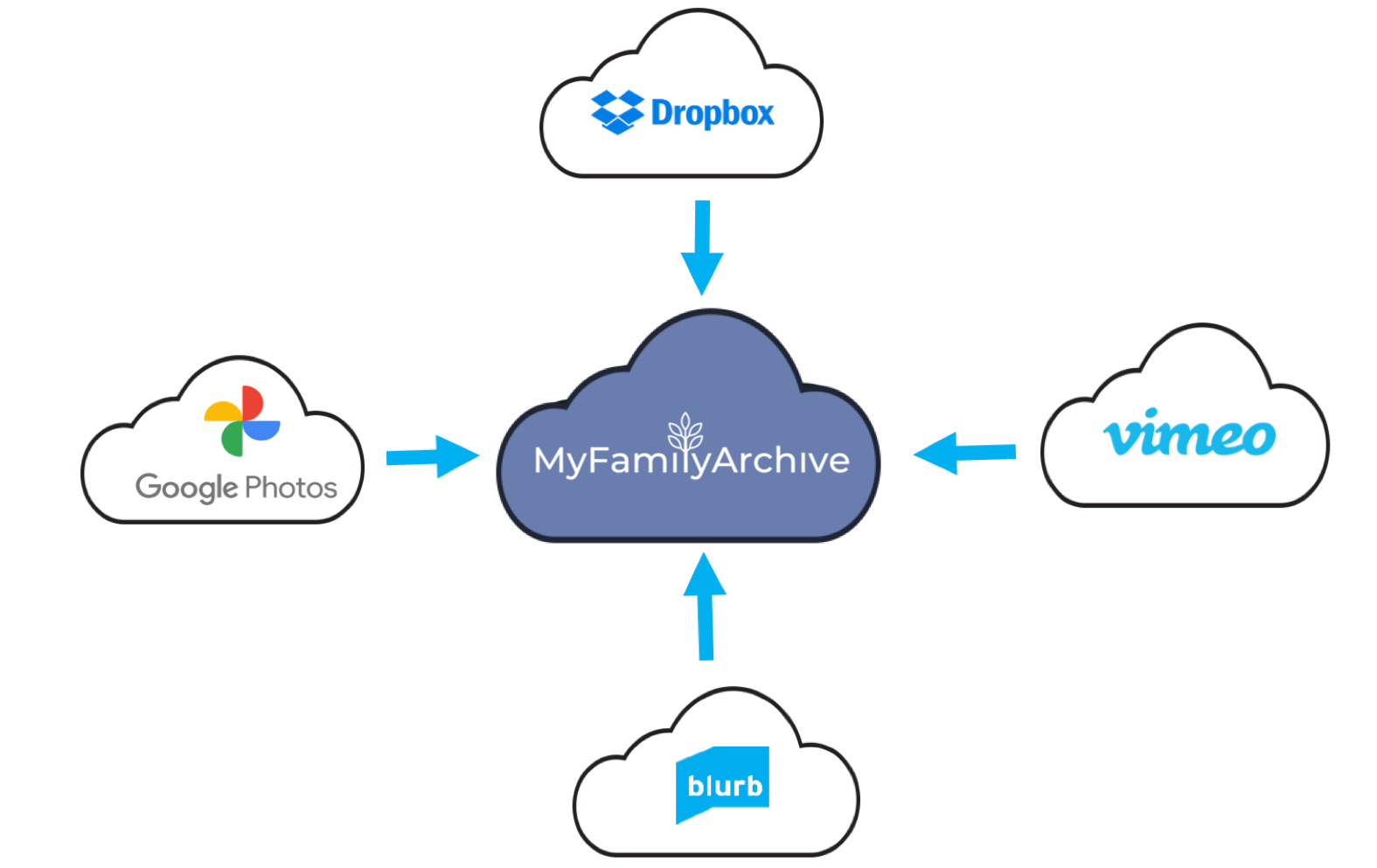
How does MyFamilyArchive index all your media but not store any of it?
The key is that over 90% of cloud photo and video apps allow you to safely and privately “share” any content stored there... a video, a photo, a digital photo album, an audio recording, a pdf, etc… via a “Share Link”.
In MyFamilyArchive, these links are simply added to a person’s or family’s collection page, along with a title, description, and preview image. Then, when the preview image is clicked, it takes the viewer to the media in the other cloud site. MyFamilyArchive calls each link a “Linked Album”.